
Managing Customer Records
Opportunity
Fostering strong relationship with a client is an important activity for any business. Understanding your customer and their preferences allows you to increase customer satisfaction and bolster sales.
The endpoints described in this guide represent the first step in establishing relationships with your client: creating customer profile and maintaining up-to-date customer records.
Flow
Creating customers
To create a customer, you need to use the Create customer endpoint:
https://api.indicaonline.com/open_api/v2.3/customers
Specify the required parameters:
first_namelast_namedate_of_birthgendertypehas_medical_recommendationmanual_groups
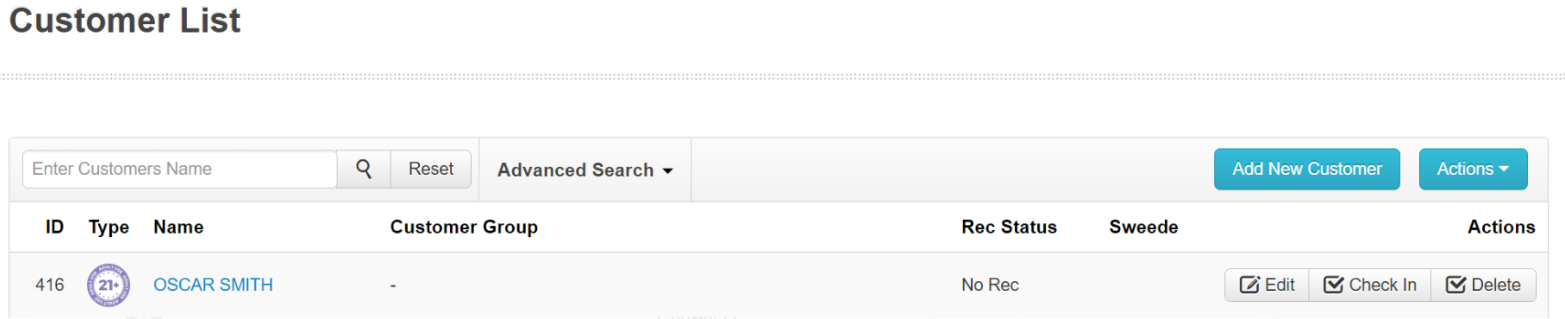
and send the request. As a result, IndicaOnline will create a customer with Pending status and return status code 201.

If you specify the state_id parameter, IndicaOnline will check the state_id and create a verified customer in the Customer List.
Creating customer with document
API allows you to upload the document (ID or medical document) to the customer when creating it. For this, you should first upload document using the Upload new file endpoint:
https://api.indicaonline.com/open_api/v2.2/file/upload
Important: attached documents must be one of the following types: jpeg; jpg; png; pdf.
As a result, IndicaOnline returns you the id of the document.
Then you should use the Create customer endpoint, choose true value in has_medical_recommendation parameter and insert the id into field_id, also specifying the type of document.
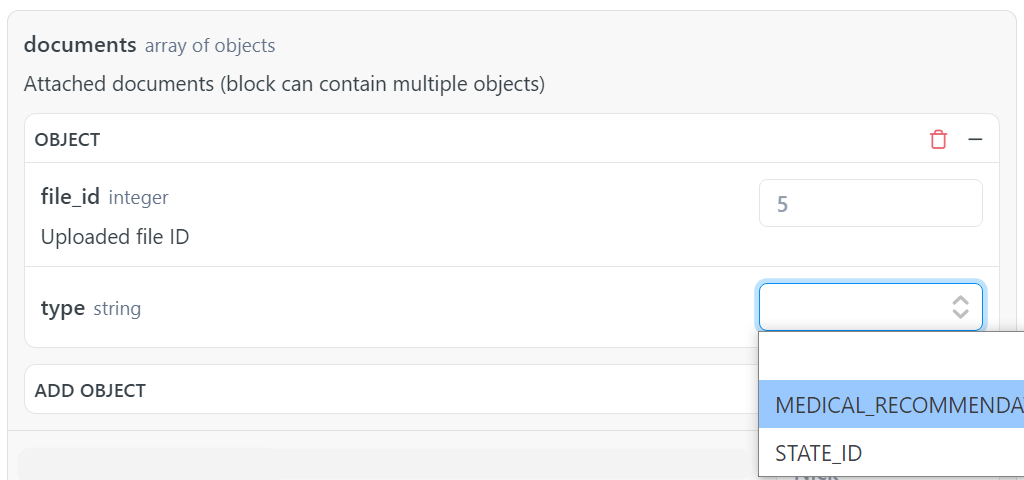
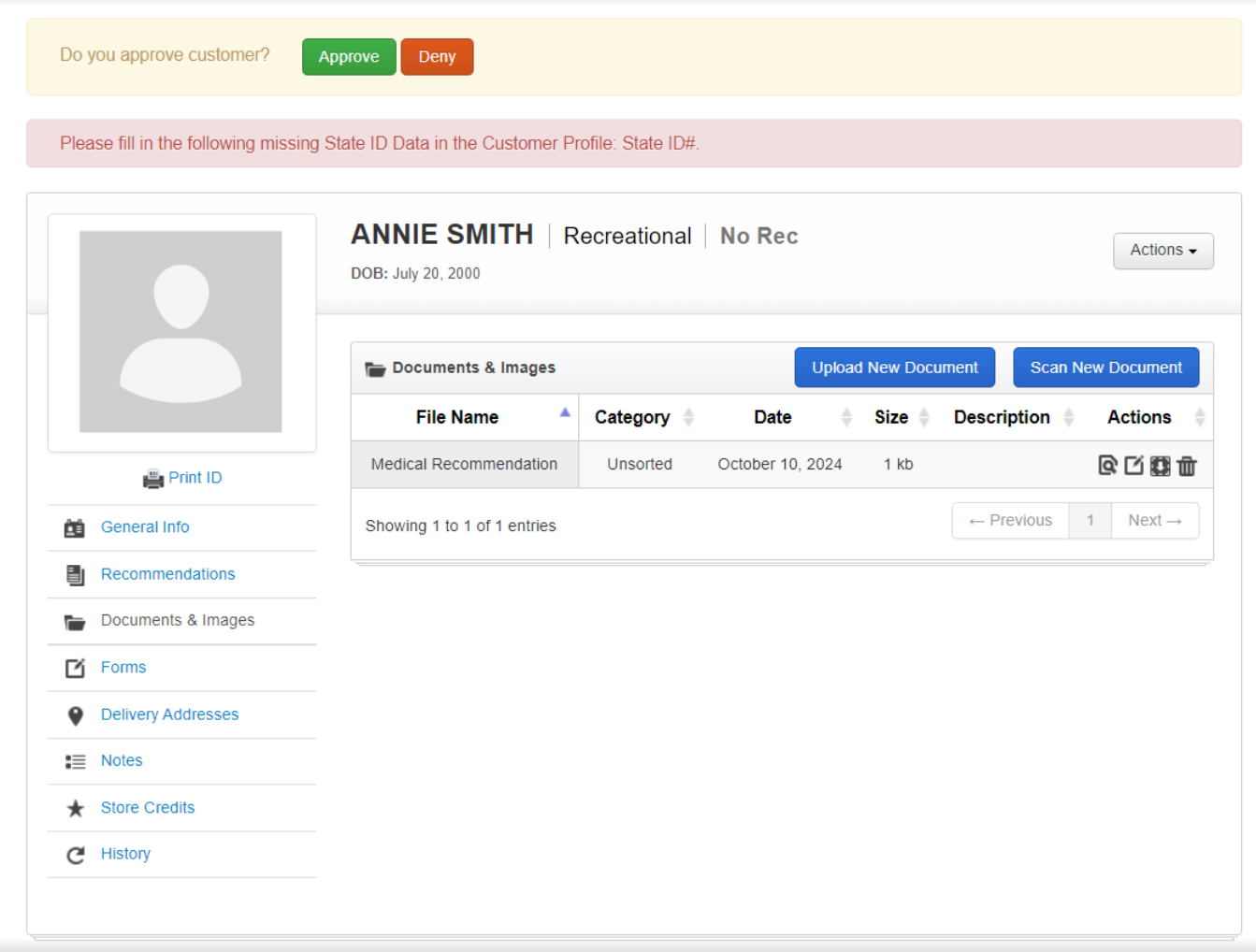
Then fill in the other fields (at least the mandatory ones). And send a request to create the customer. After successful creation, IndicaOnline will add the document to the profile of the created customer.
Patching Customer
If you want to change some parameters in the customer profile, you can use the Patch customer by ID endpoint:
https://api.indicaonline.com/open_api/v2.3/customers/{id}
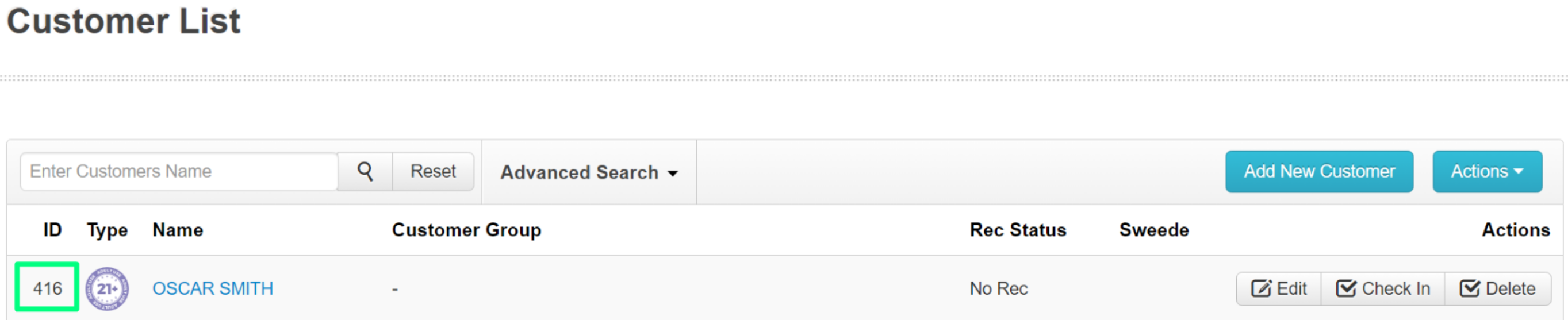
It's easy - specify the id of customer whose profile in IndicaOnline should be changed:
Specify only those parameters that need to be changed, for example:
  "phone": "112233445",
  "alternative_id": "CA334455",
  "state_id_expires_on": "2026-02-11"
and send the request. As a result, IndicaOnline will update the values of the specified parameters and return status code 200.
Updated over 1 year ago